
Cross stitch pattern maker for your own photos
DMC and Anchor charts, or Perler and Hama bead boards. Free PDF, made by colour matching, not AI.
Charts this tool made from our own photos
Examples
Eight photos, as charts and bead boards
Each one made by this tool from a plain photo, with default settings. Download the sample PDF to see the full chart, key and skein counts.
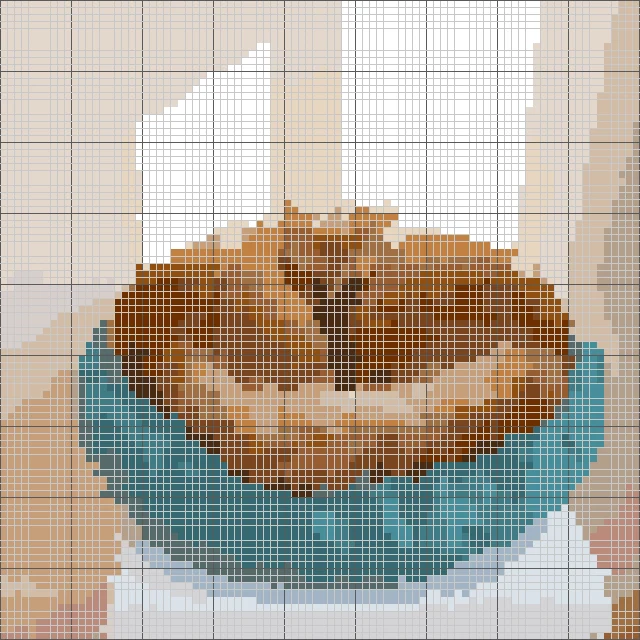
Orange tabby cat asleep on a teal cushion
DMC · 90 × 90 stitches · 22 colours
Sample PDF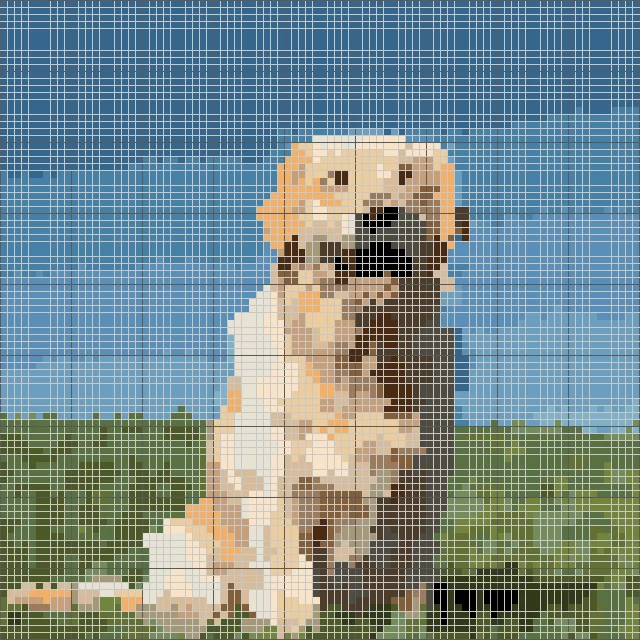
Golden retriever sitting on grass under a blue sky
DMC · 90 × 90 stitches · 24 colours
Sample PDF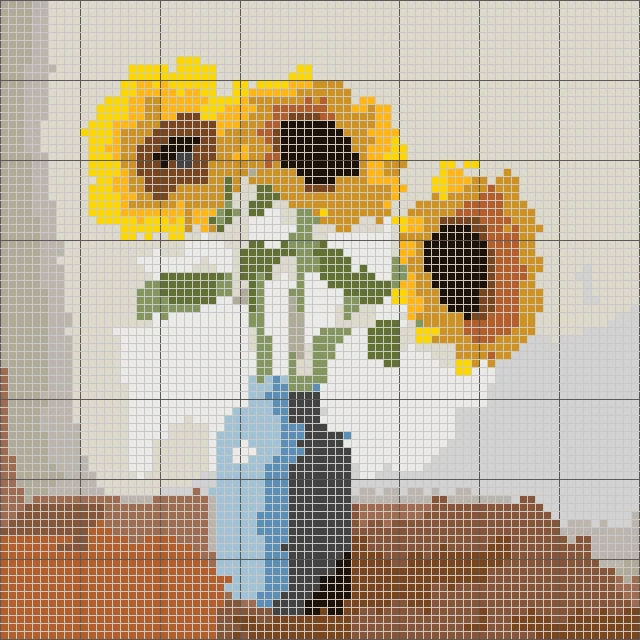
Three sunflowers in a blue vase
DMC · 80 × 80 stitches · 18 colours
Sample PDF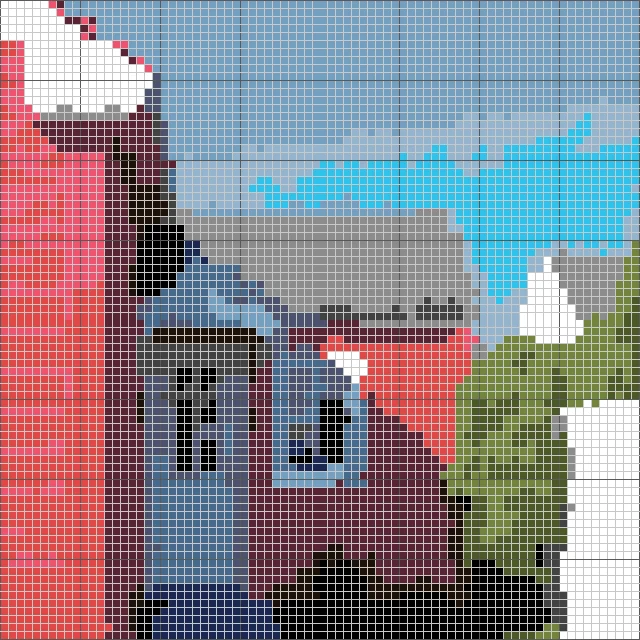
Small red cottage with a green garden
DMC · 80 × 80 stitches · 16 colours
Sample PDF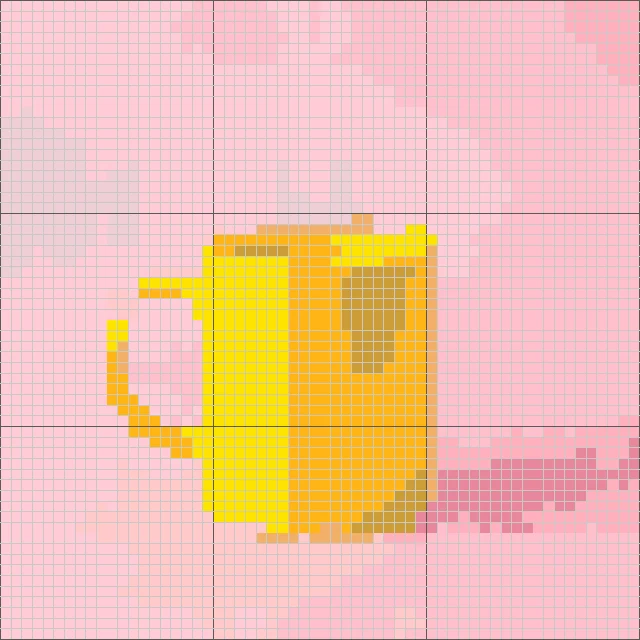
Yellow mug on a pink background
DMC · 60 × 60 stitches · 10 colours
Sample PDF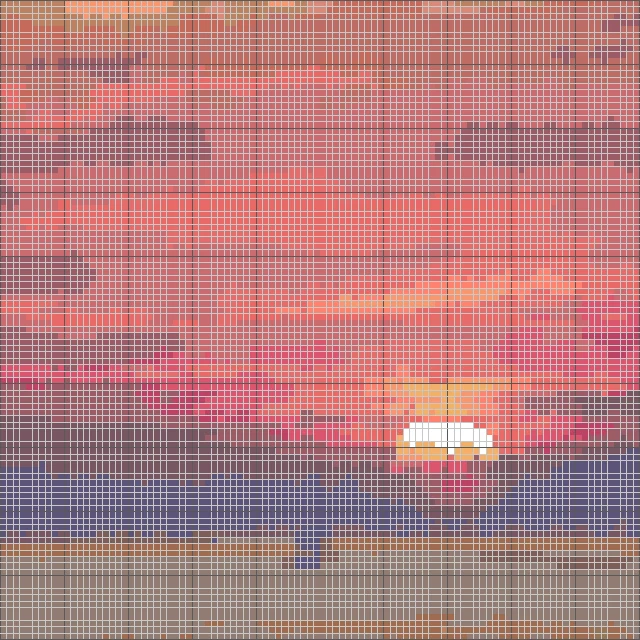
Sailboat on the sea at sunset
DMC · 100 × 100 stitches · 20 colours
Sample PDF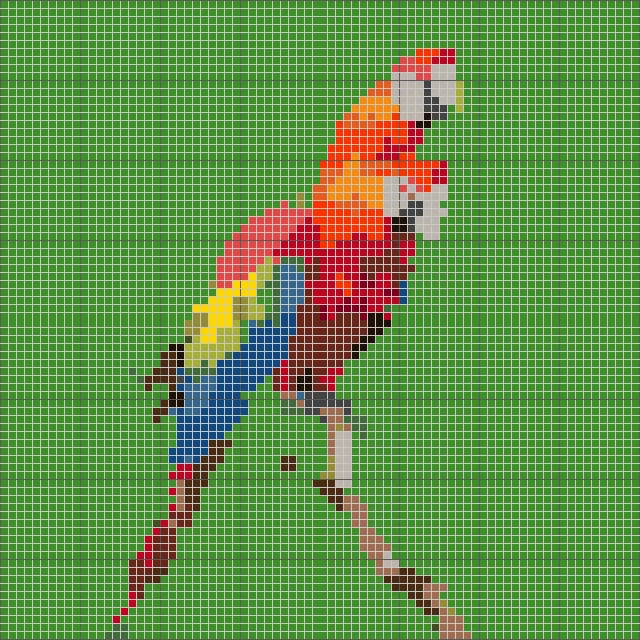
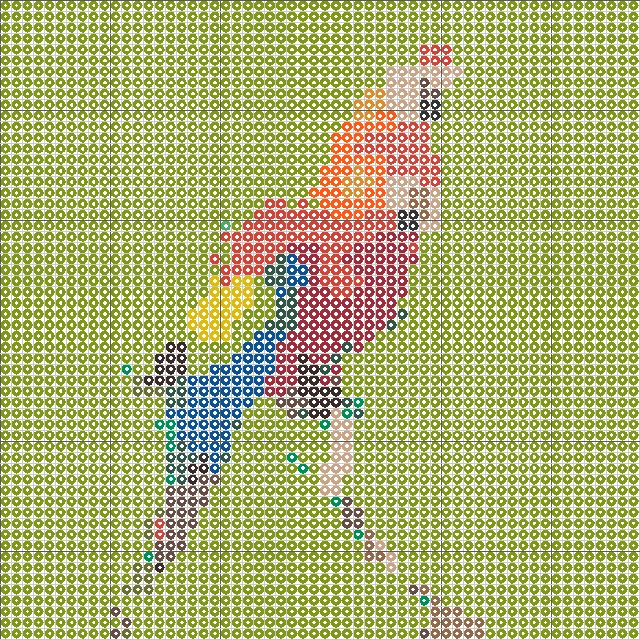
Scarlet macaw on a branch
DMC · 80 × 80 stitches · 20 colours
Sample PDF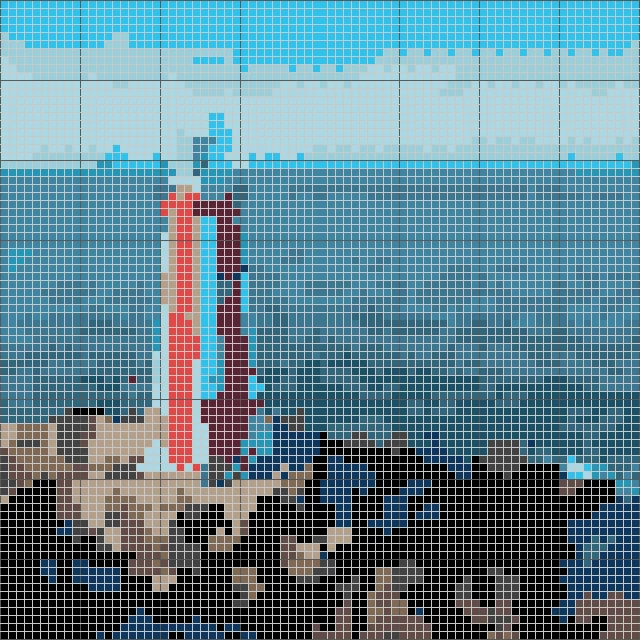
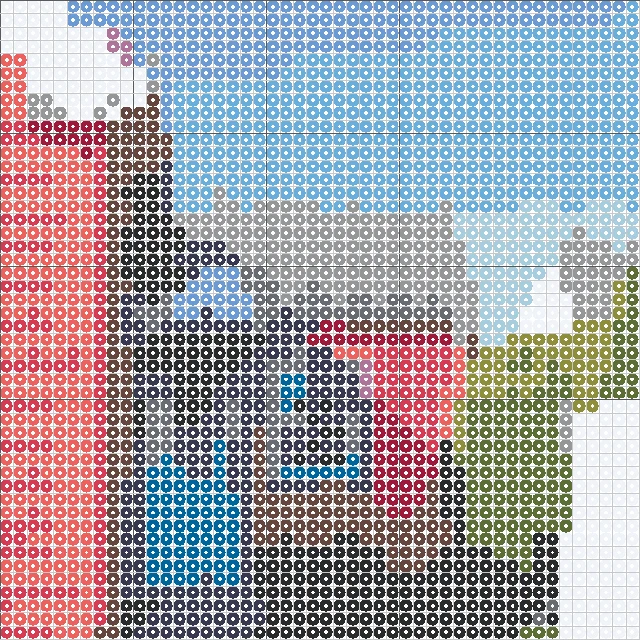
Red and white lighthouse on rocks by the sea
DMC · 80 × 80 stitches · 16 colours
Sample PDFHow it works
From photo to printed chart in four steps
Add a photo
Drop, choose or paste it. Pick cross stitch or beads, and a thread or bead brand.
Set size and colours
Choose the width, fabric count and up to 60 colours. The chart updates as you move a slider.
Tidy it up
Paint single stitches, replace or merge colours, leave the background out and add backstitch.
Download the PDF
Symbol chart, colour key with skeins or bead counts, and one page per pegboard. Free.
What you get
A real counted chart, not a pixelated picture
- Free printable PDF
- Symbol chart with a bold line every 10, a key with counts and skeins, A4 or US Letter, and a black-and-white version.
- 454 DMC and 420 Anchor colours
- Colour matching in CIELAB space against real thread colours, so the key is a shopping list.
- Perler, Hama, Artkal and Nabbi beads
- Midi and mini sizes, round beads on a pegboard view, and the chart split into boards.
- Editor and backstitch
- Paint, erase, pick and replace colours, clean up stray stitches, and draw or auto-outline backstitch.
- Up to 300 × 300
- Up to 60 colours. Finished size in cm and inches for the fabric you pick.
- Your photo stays on your device
- The chart is made in your browser. Nothing is uploaded unless you choose an AI prep step.
Pattern makers: Photo to cross stitch · Perler bead patterns · Hama bead patterns
Optional, with credits
AI photo prep, before the colour matching
Busy photos make busy charts. These steps fix the photo first; the chart is still made by the same free colour matching. Uploads and results are deleted after 7 days.
Remove background
Cuts the subject out so the background is left unstitched.
6 credits
Clean up for stitching
Flattens shading, clears clutter and sharpens edges, keeping the subject as it is.
36 credits
Upscale a small photo
Makes a small or old photo four times bigger, so a large pattern keeps its detail.
8 credits
Use photos you took or have permission to use. Photos of children and public figures are refused.
Pricing
Pricing: patterns are free, credits are for AI photo prep
A new account gets 6 free credits once, after its email is verified. One AI background cut-out uses 6 credits; patterns and PDFs are always free. A plan is the cheapest way to buy credits and tops you up monthly. The Bead Tub is a single payment whose credits stay until you use them.
Cancel anytime · 7-day refund window
Hoop
RecommendedRegular pattern makers and gift projects.
$13.15$10.96/mo
Billed yearly at $131.49
- Yearly bill
- $131.49
- Credits a month
- 3,385
- Credits per dollar
- 308
- Largest pattern
- 300 × 300
3,385 credits a month
- ≈ 94 × Clean up for stitching
- ≈ 564 × Remove background
- ≈ 423 × Upscale a small photo
What every plan includes · 4
- One yearly payment, with credits arriving monthly
- Background cut-out, clean-up and upscale
- Results saved to your account for re-use
- Free patterns and PDFs, no watermark
Plans open soon. Every pattern tool stays free in the meantime.
A single payment that never renews. Its credits never run out, though each one costs a little more than on a plan.
Bead Tub
One payment for lots of AI prep. Credits never expire.
6,180credits
$32.49one-time0.53¢ per credit
6,180 credits
- Up to 171 × Clean up for stitching
- Up to 1,030 × Remove background
- Up to 772 × Upscale a small photo
- Credits never expire
- Background cut-out, clean-up and upscale
- Results saved to your account for re-use
- Free patterns and PDFs, no watermark
Plans open soon. Every pattern tool stays free in the meantime.
Changed your mind? Ask within 7 days of buying, before more than 10% of that purchase's credits are spent (for a yearly plan, of the whole year's), and the unused part comes back to you. Renewals are not refunded.
FAQ
Questions about the cross stitch pattern maker
Another question? Write to support@phototopixel.com
Is the pattern maker free?
Yes. Making a cross stitch or bead pattern, editing it and downloading the PDF, PNG, CSV and OXS files are free, with no account and no daily limit. Only the optional AI photo steps use credits.
Does AI make the pattern?
No. Your pattern is made by colour matching in your browser, not by AI. AI only prepares the photo, and only if you ask: a background cut-out, a clean-up into flat colours, or an upscale.
How big can a pattern be, and how many colours?
Up to 300 × 300 stitches or beads, with 2 to 60 colours. Photos can be JPG, PNG or WebP up to 20 MB. The finished size shows in cm and inches for the fabric count or bead size you pick.
Can I use Anchor thread or Hama beads?
Yes. Thread palettes are DMC and Anchor. Bead palettes are Perler, Perler Mini, Hama Midi, Hama Mini, Artkal S, Artkal C and Nabbi. Pick one before matching, and the key uses that brand's numbers.
Can I sell patterns made from my photo?
Only patterns made from photos you took yourself or have the rights to. A pattern made from someone else's photo, artwork or character can't be sold or shared as your own design.
Does it work with Pattern Keeper?
Yes. Download the OXS file and open it in Pattern Keeper or other cross stitch software. Thread numbers, symbols, full stitches and backstitch come across.
How accurate are the thread and bead colours?
Colours are matched to the nearest real thread or bead with the CIEDE2000 colour formula, but a screen only approximates them. Check the numbers against a colour card and stitch or iron a small test before a big project.
What are credits for?
Credits pay for the optional AI photo steps: a background cut-out uses 6 credits, a clean-up 36 and an upscale 8 per photo. Failed steps refund their credits automatically. A new account gets 6 free credits once, after its email is verified.
Do you keep my photos?
Photos used only for a pattern never leave your browser. Photos you send to an AI step, and the results, are deleted 7 days after upload, are never shown publicly and are never used to train models.
Which stitch types and crafts does it chart?
Full cross stitches with backstitch outlines, and fuse bead pegboards. Half and quarter stitches, French knots, diamond painting, knitting and crochet charts, and stitch tracking are not part of the tool.
Got a photo you love?
Drop it here and the pattern opens in the tool at the top of the page.
Last updated: